
Renville County Civil Docket Searches
Renville civil cases live in Minnesota District Court. The quickest remote case lookup is MCRO Case Search. Pick Name, Case Number, Citation Number, or Attorney as your search type. Set Case Category to Civil. Choose Renville under Court Locations when you know the venue. Each result row gives the case number, title, type, filing date, court location, and status. Click through to Case Details for the Register of Actions. That is the running public log of filings and events.
Searching by person? Enter an exact last and first name, with the middle name optional. After two characters you can add a trailing wildcard. A separate Sounds Like option exists. Filters for date filed, status, and court trim a long result list. The court file number is the strongest search key when you have it. An incomplete case number triggers an error, while a name alone can match several cases.
- Open MCRO and choose Name or Case Number as the search method.
- Select Civil and limit the court location to Renville for a county-specific result.
- Enter a complete court file number or the party information shown in the case caption.
- Open Case Details to review parties, events, hearings, dispositions, financial information, and judgment details.
- Use Document Search or Court Administration when a needed public filing is not available in Case Details.
Renville County Civil Case Numbers
The Renville public calendar lists civil examples like 65-CV-26-82 and conciliation examples like 65-CO-26-81. Both formats join a local identifier, case-category letters, a year, and a sequence number. Those letters are handy cues, nothing more. They are not a full statewide codebook. Search the whole displayed number. Then use the title and the Case Information panel to confirm the case type.
MCRO takes case numbers with or without dashes or leading zeros, but no spaces. MCRO Document Search demands the complete number too. With a full case number you can move between the Renville calendar, a Case Search result, and the public document list. Just remember that not every event carries an attached image.
Civil Dockets: What They Show
Case Details can display Case Information, parties and roles, Case Events, hearings, dispositions, financial information, and judgment details. A civil Register of Actions logs court activity. It does not tell the story of the dispute. Treat the caption as a cast list of parties, not a finding of responsibility. Before concluding that something changed in the case, read the event entry together with any linked order or later disposition.
| Case Information | Case number, title, type, filing date, Renville location, status, judicial officer, and public related-case information. |
|---|---|
| Parties | Displayed party roles, names, and attorneys. A party name alone does not establish liability or a result. |
| Events and hearings | The time-ordered filings, notices, motions, hearing dates, and court activity in the Register of Actions. |
| Disposition | The recorded resolution of a claim, petition, or case stage. Read its exact language and any order. |
| Judgments and satisfactions | Public judgment details, parties, status, and a satisfaction entry when one is recorded. |
Renville County Civil Document Search
For one specific public civil filing, Document Search is the straight path. Type the complete Renville case number, no spaces, and select Find Documents. The results show case details plus available documents in reverse chronological order. A View Document link means the filing can be opened online. An event may carry a document index number yet still lack a remote image. So keep Case Details open to read the register entry around it.
Remote MCRO documents can be viewed or downloaded without a fee. Filing works differently. Minnesota Judicial Branch eFile and eServe is the system parties and attorneys use to file and serve documents. MCRO is only the public viewing layer. A missing document does not mean the case or event is missing. The official MCRO Document Search takes a complete court file number for its public document lookup.
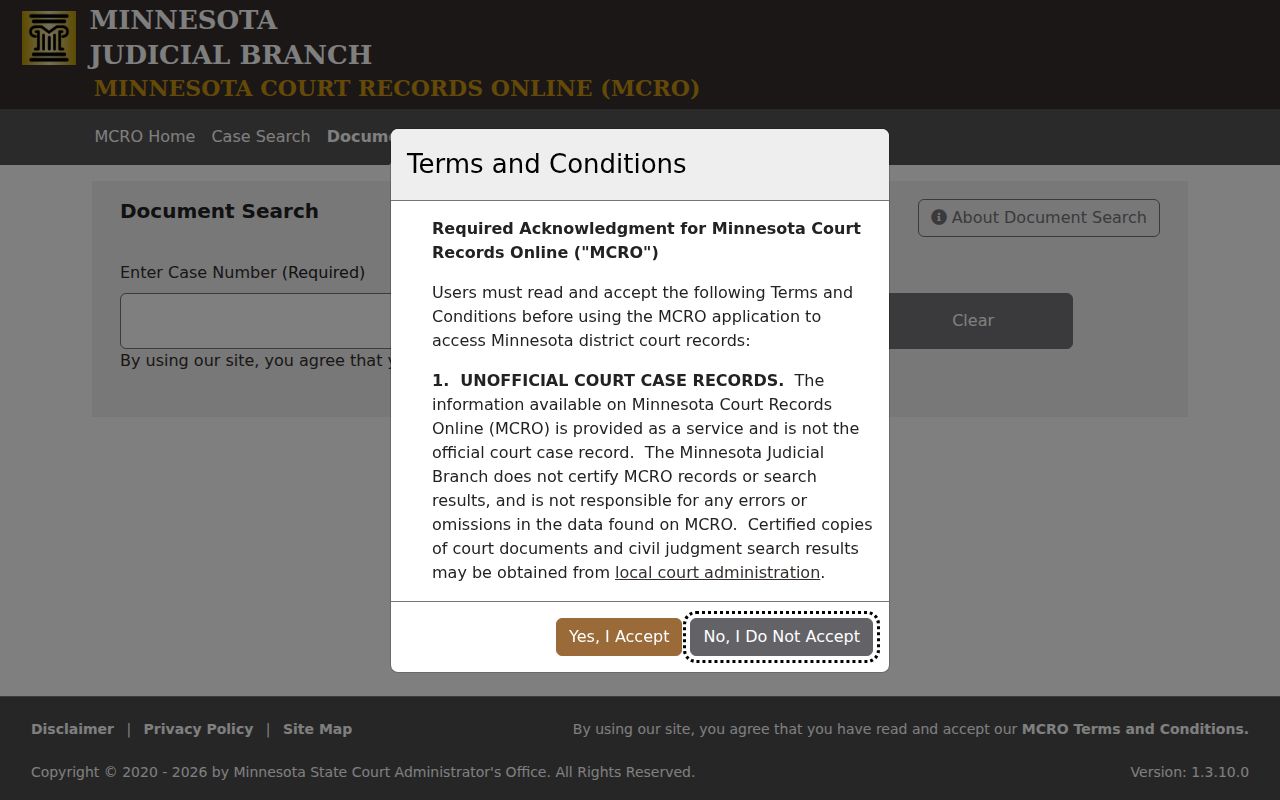
Read the public document list alongside the Register of Actions, so a lone filing is understood through its later order or disposition.
The official Minnesota eFile and eServe information lays out the separate filing route that parties and attorneys use.
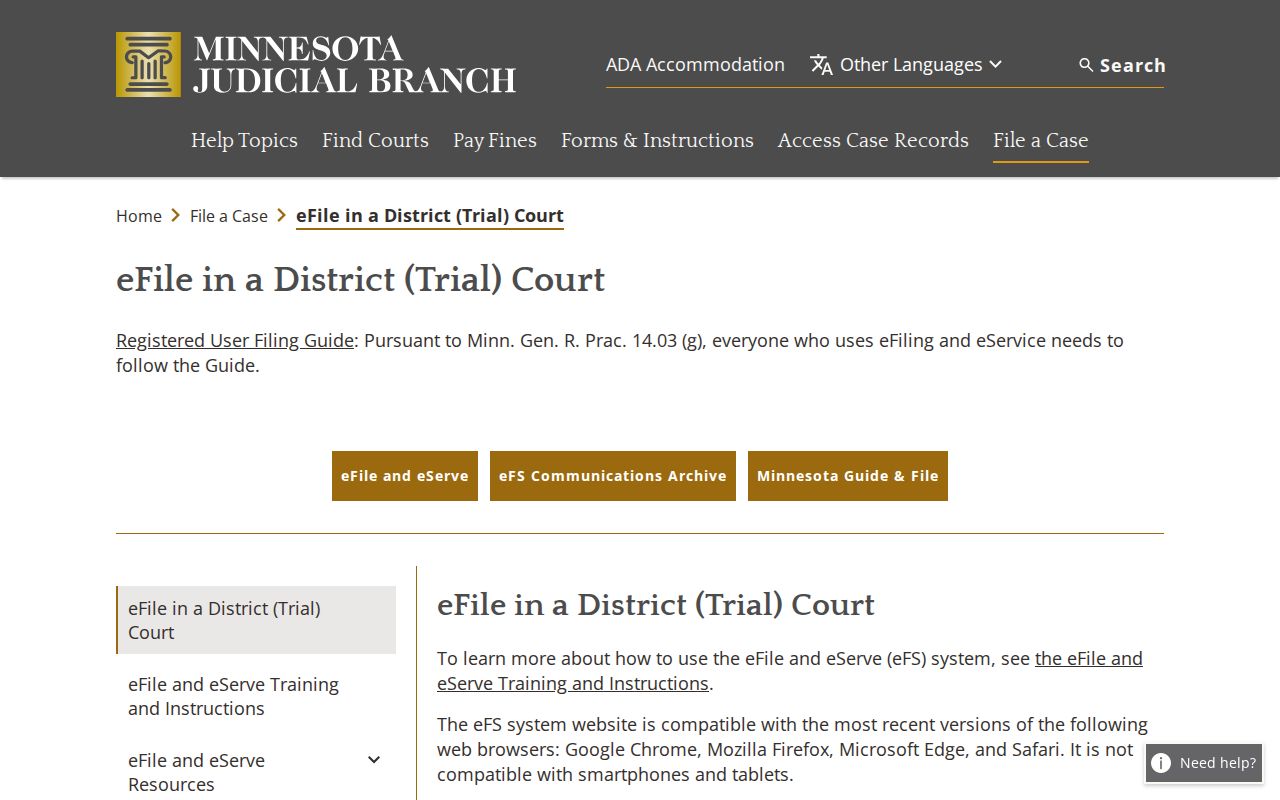
eFile and eServe does not replace MCRO as the public civil docket search service.
What Cases Fill the Civil Docket
The Renville County District Court holds original jurisdiction over civil, family, probate, juvenile, criminal, and traffic matters. So a civil docket search in MCRO sits beside related public case categories, not inside a separate county civil court. The Renville calendar has shown settlement conferences, motion hearings, court trials, evidentiary hearings, conciliation hearings, and default hearings. A case category tells you how the court classifies the file. It says nothing about how the case was resolved.
| Renville case type | What the docket may show | Access note |
|---|---|---|
| Civil | Parties, motions, hearing entries, orders, dispositions, and judgment details when public. | Use MCRO Civil and Renville filters for the starting search. |
| Family | Case information, register entries, and some court-created documents. | Remote documents have narrower rules for many family matters. |
| Probate | Public probate and guardianship or conservatorship events and hearings. | Do not treat the docket as a complete inventory of estate or protected-person information. |
| Conciliation | Lower-value civil claims heard within the District Court structure. | The Renville calendar can list a Conciliation Hearing. |
Renville County Conciliation Dockets
Conciliation Court is Minnesota's lower-value civil forum inside the District Court structure. A Conciliation Hearing label on the local calendar is a practical lead to a case number and Case Details. There is no separate Renville conciliation portal, local filing shortcut, or local dollar limit. MCRO is one sound route for finding a public conciliation case or confirming its classification. Court Administration is the other. It can sort out whether a new matter belongs in conciliation, civil, or another case type.
Statewide forms and current Judicial Branch instructions govern the claim process. A calendar label by itself reveals no claim amount, no evidence, and no result.
Hearings on the Civil Docket
The Renville County civil docket lists several kinds of hearings. Settlement conferences and motion hearings show up. So do court trials, evidentiary hearings, conciliation hearings, and default hearings. Each weekly public calendar entry carries the scheduled date, time, hearing location, judicial officer, hearing type, connection type, and case number. Plug that case number into MCRO Case Details.
The calendar is a good current-setting check. It is not the full Register of Actions. Confidential or non-remote matters may be omitted. A settlement conference explores resolution; it is not proof of a settlement, and a default hearing marks a failure to respond or appear, not an entered judgment. Confirm it with a later order or Judgment Details entry. Settings can change after publication, so Court Administration is the practical check when a date is urgent or uncertain.
- Settlement conference
- A court event for discussing resolution. The case record must show whether an agreement or order followed.
- Motion hearing
- A hearing on a request that asks the court to act or decide an issue in the case.
- Default
- A procedural result connected to a failure to respond or appear; the order provides the controlling detail.
Renville County Civil Judgment Records
Judgment Details quickly spots a monetary judgment, its parties, status, and any satisfaction entry recorded. The full case history still lives in the register. Judgment Search covers monetary judgments only. A satisfaction entry means the judgment was paid or otherwise satisfied. It cannot explain every term of the case or replace the judgment document itself.
For a court-authenticated copy, MCRO is not the channel. Renville Court Administration lists a $14 fee for a certified copy of an instrument. Public MCRO documents are free when available. A downloaded view is not certified.
Who Can See Civil Dockets
Rule 2 governs public access to Minnesota judicial records. Rule 4 limits access to protected categories. Rule 8 splits remote access from public courthouse-terminal access. Statewide public-access terminals at the courthouse can display public electronic material that is not available remotely. Court Administration at the Renville County Courthouse also handles public-copy requests, older records, and certified or exemplified copies.
Restricted identifiers deserve special care. Minnesota General Rules of Practice Rule 11 governs filings containing protected personal identifiers. A public docket can list a case and an event while withholding sensitive attachment material. Never try to rebuild redacted information from other sources. Public access does not mean every document, field, or related case is open through remote search.
Key Rules:
Rule 2 states the judicial-record access framework.
Rule 4 identifies confidential and restricted judicial-record categories.
Rule 8 explains remote and courthouse-terminal access differences.
Rule 11 addresses restricted personal identifiers in court filings.
The official Rule 2 source opens the access rules.
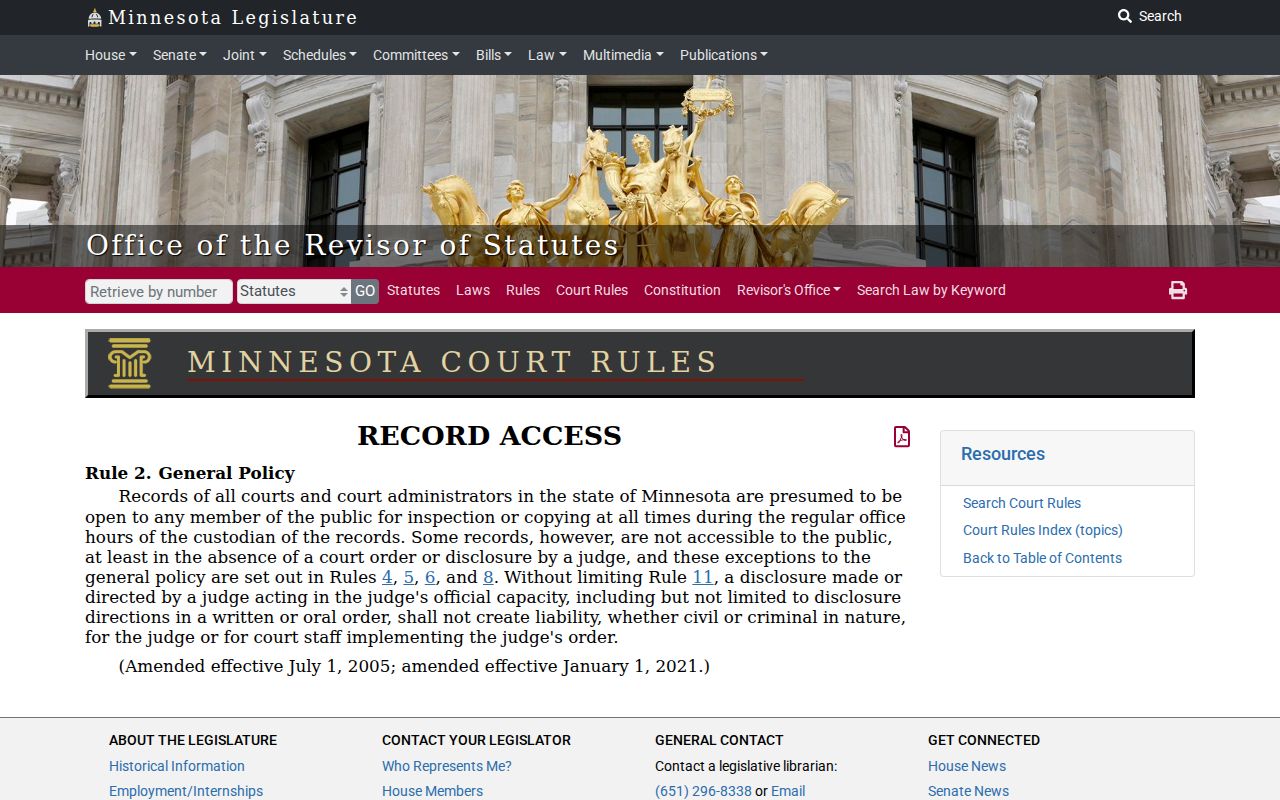
The general rule works alongside more specific ones.
Public filings do not hand out unrestricted personal data. The official Rule 11 restricted-identifier source explains how protected personal identifiers are treated in filings.
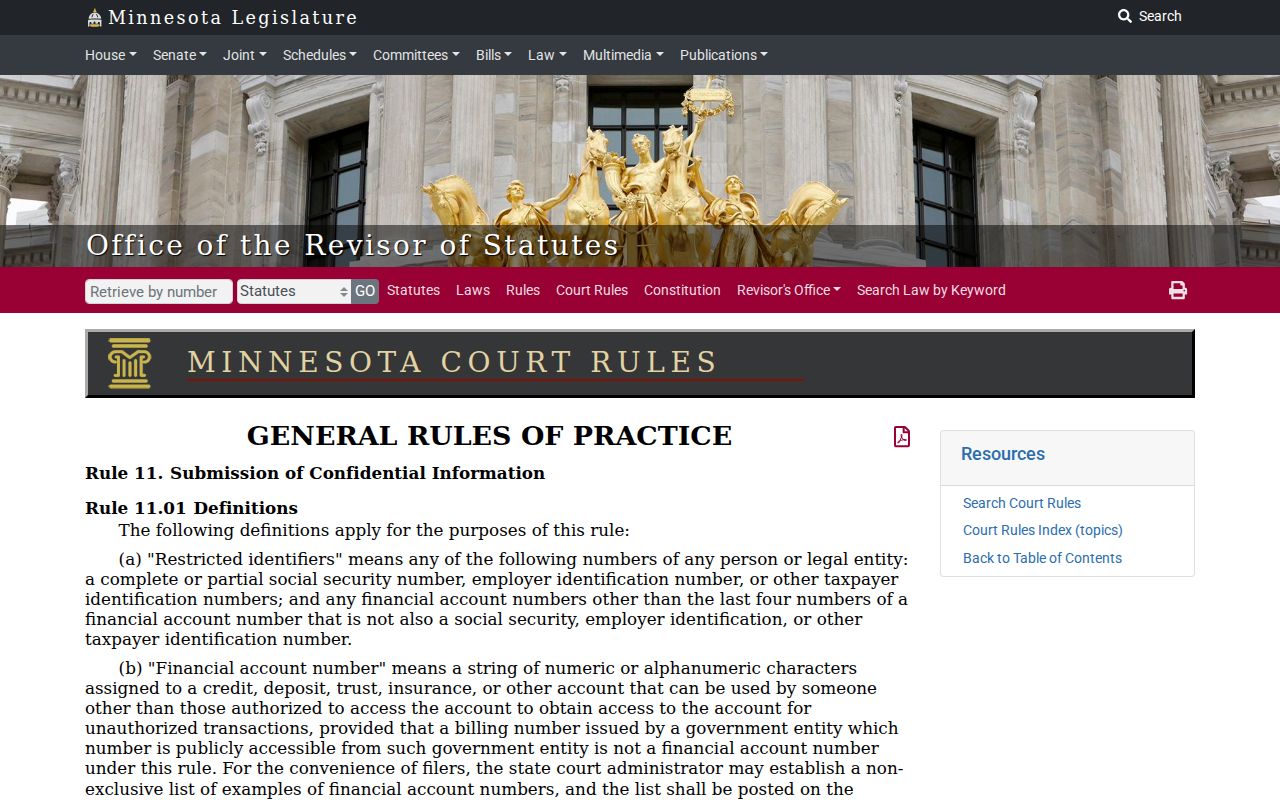
Keep the court's redactions intact, and honor category-specific confidentiality rules. The official Minnesota public-access statute source supplies the public-access language that sits alongside the Judicial Branch's court-record rules.
For a specific court file, the rule and Court Administration still govern access.
Renville County Family Docket Access
Family records carry narrower remote document access. For documents filed on or after July 1, 2015, MCRO offers court-created orders, opinions, and notices in Family and post-adjudication paternity cases. Pleadings, financial exhibits, and other filings may stay off the remote screen even when Case Information or Register of Actions entries appear. A missing family document online is often expected.
Juvenile matters sit under separate restrictions. Minnesota Statutes section 260B.171 sets those limits. Court Administration can walk a party through the request process for a particular public record. No public search result promises access to confidential family or juvenile material.